Photo bulk entry
Snap one photo of a shelf or open box. AI returns a structured list of items you can edit and save.
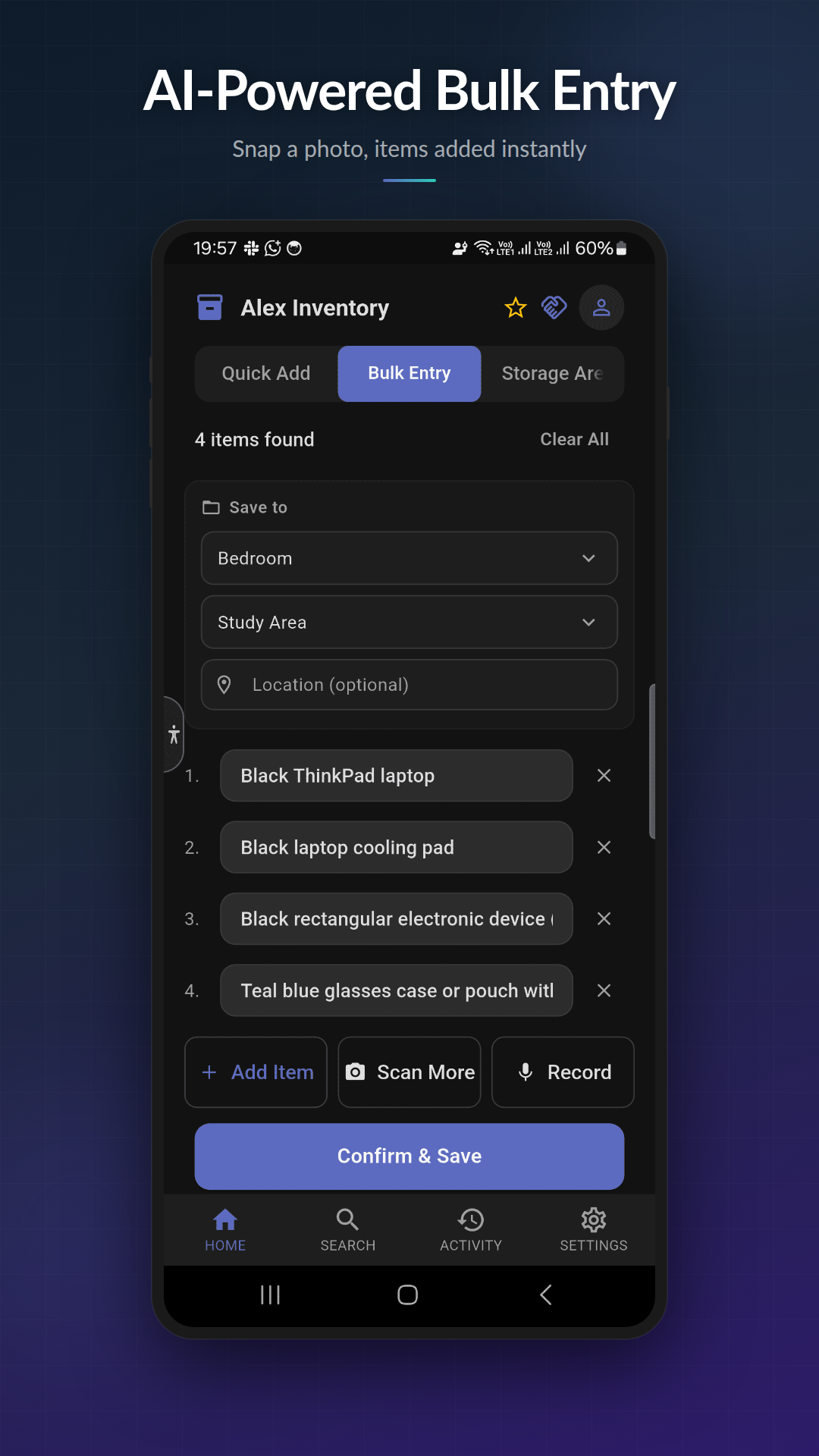
What you can do
- ✓ Snap from camera or pick up to 10 photos from your gallery in one batch
- ✓ AI image recognition identifies items in each photo
- ✓ Images are compressed before upload to save data
- ✓ Scan-more flow merges new photos into an existing draft list
- ✓ Edit, rename, or remove any item before saving
How it works
- 1
Open bulk entry
Tap + on the home screen and choose Photo.
- 2
Take or select up to 10 photos
Use the camera for a live shot or pick existing photos.
- 3
Review the AI-generated list
ScanStock returns a structured list. Edit names, remove false positives, save.
Tier availability
Available on Basic and above
| Tier | Monthly quota |
|---|---|
| Basic | 15 bulk entries |
| Pro | 50 bulk entries |
| Premium | 100 bulk entries |
When photo bulk entry wins
Anything you can see at a glance, ScanStock can capture in one shot. Best for shelves, open drawers, tool walls, and pantries.
Privacy
Photos sent for parsing are processed for item recognition only and are not stored by the AI provider. Originals stay on your device unless you choose to attach them to an item. See our privacy policy for the full list of services involved.
Limits to know
Each tier has a monthly cap on bulk entries (voice + photo combined). Pro and Premium raise the cap; Basic gets you started.
Try photo bulk entry free
Free to download. Works offline.